Lyric Video Generator
Turn your lyrics into animated brat videos
Upload your track, type your lyrics, sync to the beat. Export as MP4, GIF, or frames. No signup required.
Open Lyric Video GeneratorLyric Video Generator - Make Animated Lyric Videos
Bratify is a lyric video generator built around one thing: getting your lyrics on screen in sync with your music. Type your lyrics, upload your track, drag the timing — and you get an animated lyric video ready to post. No timeline headaches, no expensive software.
Whether you're promoting a new song, making fan content, or just want to put words to a beat — our video lyric creator handles it without the usual friction. The brat aesthetic keeps it clean: bold text, solid color background, nothing fighting for attention except your words.
How the Audio Sync Works
Most lyric video generators either auto-sync badly or give you no control at all. Bratify does neither. You get a visual waveform of your audio and drag regions to exactly where each lyric line should appear. Zoom in for tight timing, loop a section to test it, adjust until it's right.
- Upload MP3, WAV, or M4A
- Trim your audio to just the part you need
- Hit "Map Sets" to auto-distribute lyrics across the track
- Drag regions to fine-tune timing
- Preview in real time before exporting
The result is frame-perfect sync — each word hits exactly when you want it to. That's what separates a lyric video that looks intentional from one that looks thrown together.
What You Can Make
Song Lyric Videos
The most common use. Take any song, break the lyrics into lines, map them to the audio. Works for any genre — pop, rap, indie, hyperpop, whatever. The brat style is minimal enough that it doesn't clash with any aesthetic.
Brat Lyric Videos
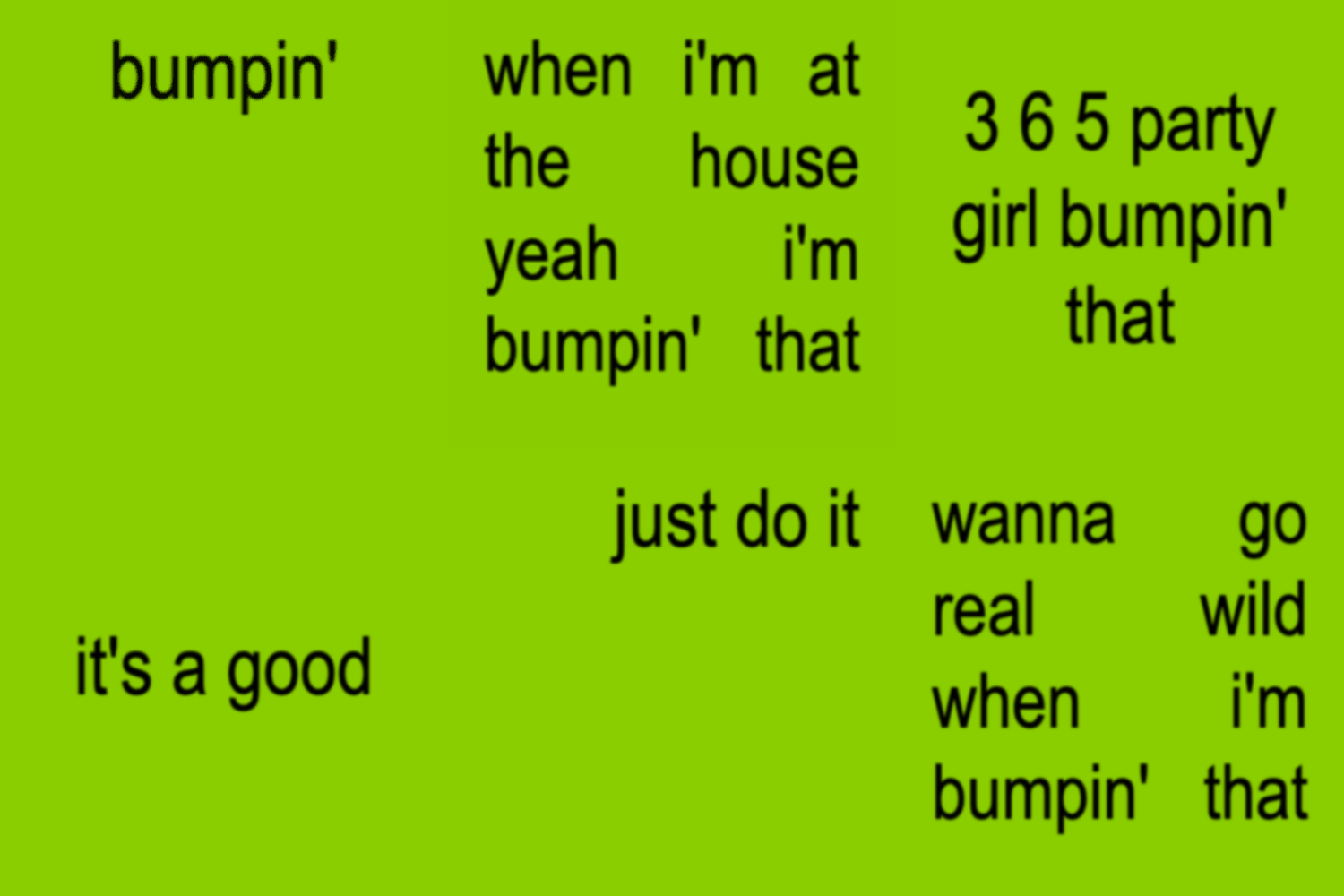
The brat lyrics generator video format that's all over TikTok and Reels right now. Lime green background, bold black text, clean animation. If you want the exact Charli XCX album aesthetic for your lyrics, this is it. Just type, sync, export.
Automatic Lyric Video
Hit "Map Sets" and the automatic lyric video generator distributes your text evenly across the audio. It's not perfect AI magic — it's a smart starting point you then tweak manually. Most people get 80% of the way there automatically and fix the rest by hand.
Karaoke Style
Keep lines short, one phrase per frame, sync tight to the beat. The result works well as a karaoke lyric generator output — text appears right as it's sung. Great for fan videos or sing-along content.
Color Presets for Lyric Videos
Lyrics hit differently depending on the visual vibe. Bratify has five color presets — each one changes the feel of the same words:
- Green: The classic brat look. Energetic, instantly recognizable, works for pop and upbeat tracks
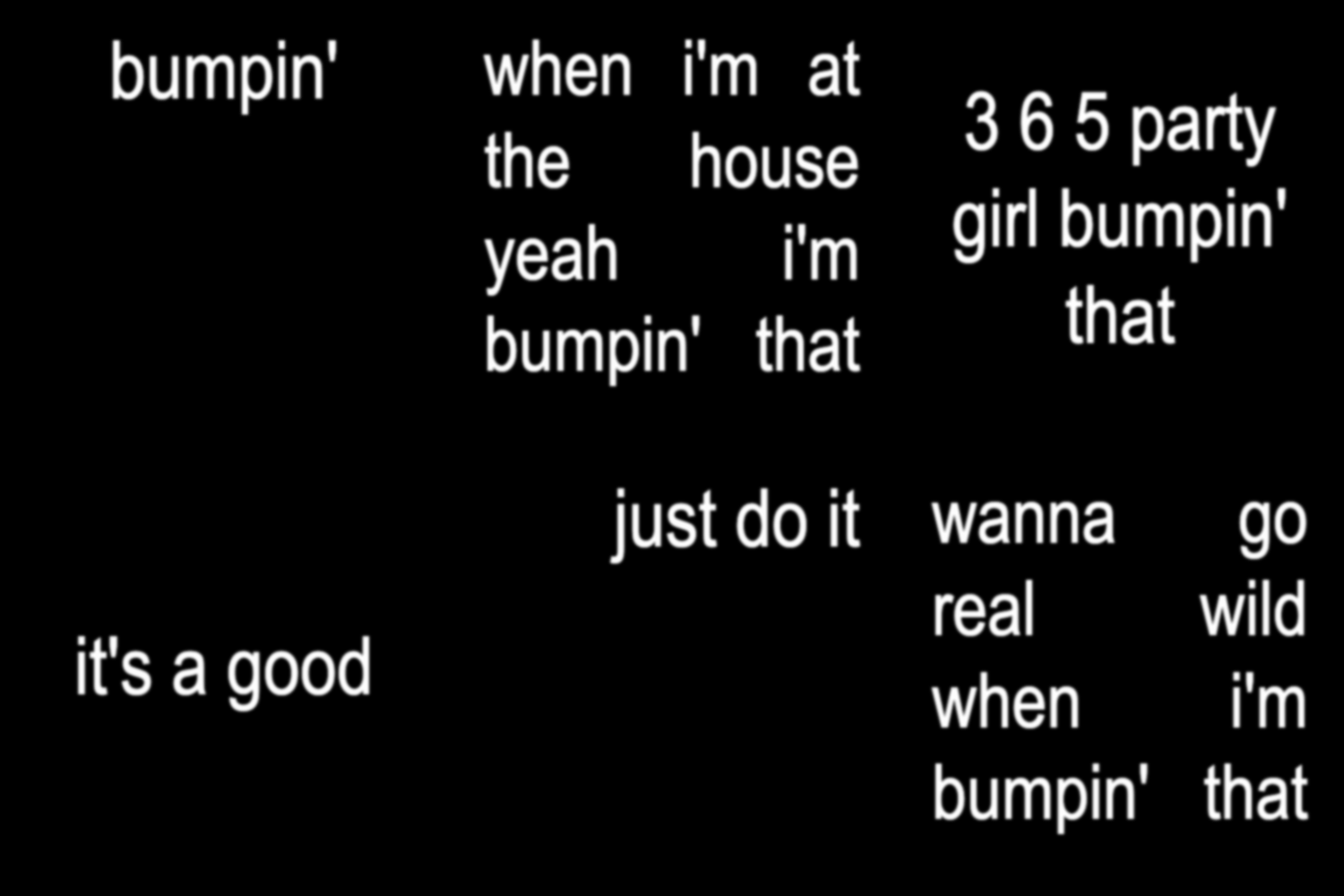
- Black: Dark and heavy. Better for moody, alternative, or rap lyrics
- White: Clean and minimal. Good when the lyrics need to breathe
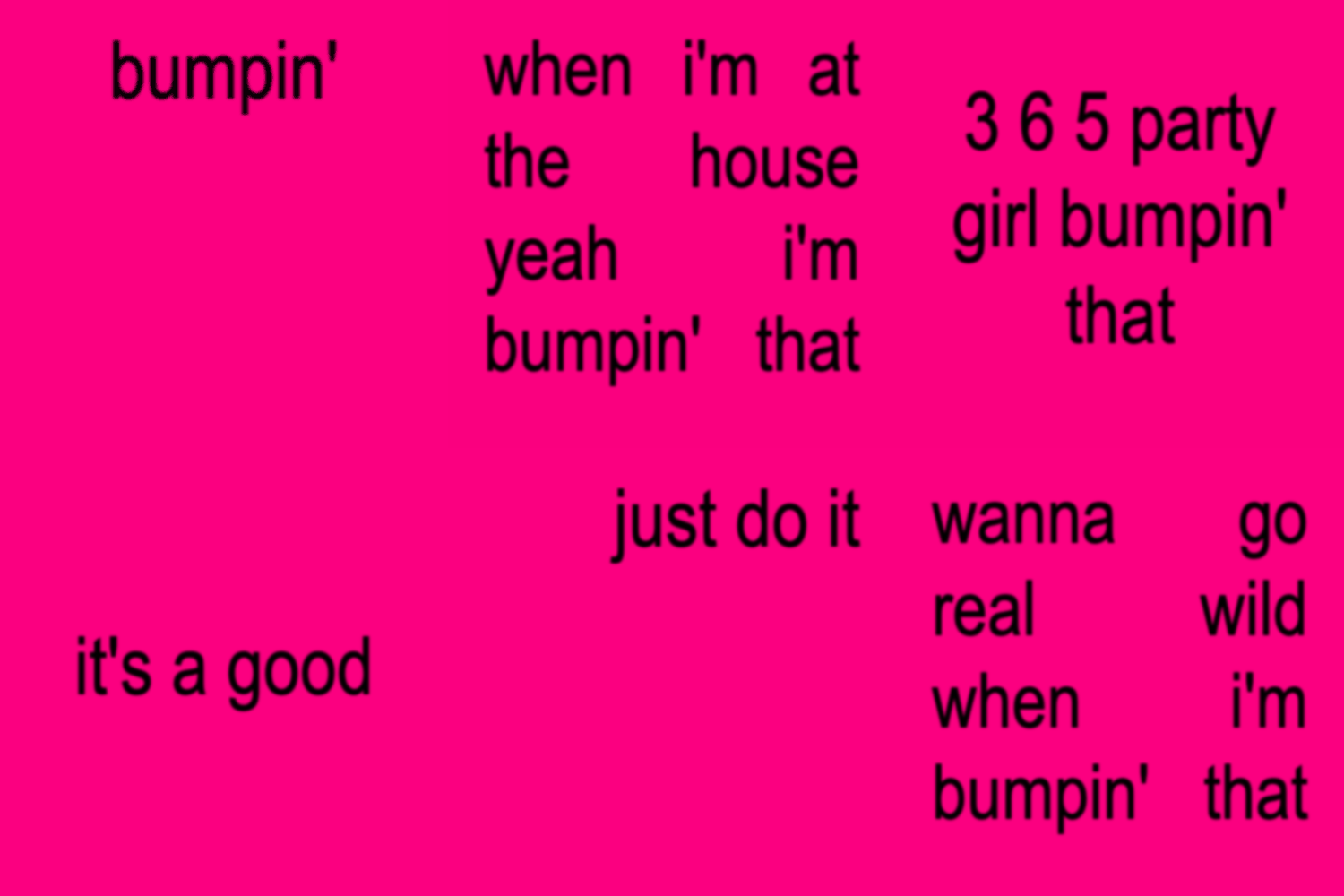
- Pink: Bold and loud. Stops the scroll on IG Reels
- Pumpkin: Warm and distinct. Stands out in feeds full of green and black
You can also switch colors between sets inside the same video — useful for chorus vs verse, different speakers, or just keeping things interesting.
Export Formats
When your lyric video is ready:
- MP4: Full quality video with your audio baked in. Upload directly to TikTok, YouTube, Instagram
- GIF: No audio, but works anywhere — Discord, Twitter, messaging apps
- Frames ZIP: Individual PNG frames for editing in CapCut, Premiere Pro, or After Effects
All rendering happens in your browser using FFmpeg. Nothing gets uploaded to a server. Your lyrics and audio stay on your device.
Tips for Better Lyric Videos
Break Lines at Natural Pauses
Don't dump a whole verse into one frame. Break at natural breathing points — end of a phrase, comma, period. Shorter lines are easier to read and sync better with the music.
Align to the Beat
Place new lyrics on the downbeat (the 1 and 3 in most music). When text changes right on the beat, it feels intentional. When it's off by half a second, it feels broken.
Use Lowercase
The brat aesthetic is lowercase by default. It reads more natural and matches the laid-back tone of most viral lyric content. ALL CAPS works for emphasis on specific words, but not for entire lines.
Keep Videos Under 60 Seconds
For TikTok and Reels, shorter is better. A 30-45 second lyric video of the best part of a song will outperform a full 3-minute version almost every time.
FAQ
Is this lyric video generator actually free?
Yes. No watermarks, no account required, no export limits. We show ads to keep it running, but the tool itself is free.
Can I use any song?
You can upload any audio file. Copyright is your responsibility — if you're posting to TikTok or YouTube, use sounds from their libraries or royalty-free tracks to avoid strikes. Bratify doesn't check or restrict what you upload.
How long can my lyric video be?
Up to 5 minutes. For social media, 15-60 seconds is the sweet spot. Longer videos work for YouTube but tend to underperform on short-form platforms.
What's the difference between this and a regular brat generator?
Same tool, different use case. The brat video generator page covers all use cases — memes, quotes, text animations. This page is specifically for people making lyric videos with audio sync. The tool is identical.
Can I add my own font?
Not yet — we use Arial Black to keep the authentic brat typography. Custom font support is on the roadmap.